PocSomm

Your Pocket Sommelier

PocSomm puts expert wine knowledge in your pocket. Scan a restaurant wine list to instantly see retail prices, critic ratings, and value assessments. Photograph a bottle label for tasting notes. Match wines to your dinner with AI-powered food pairing. Explore grape varieties and get wine suggestions for tonight's meal — all from your iPhone.

Download on the App Store

Soon available on Android

How it works

From photo to perfect pour in seconds

No typing, no searching. Just point your camera and let PocSomm do the sommelier work.

1

Snap a photo

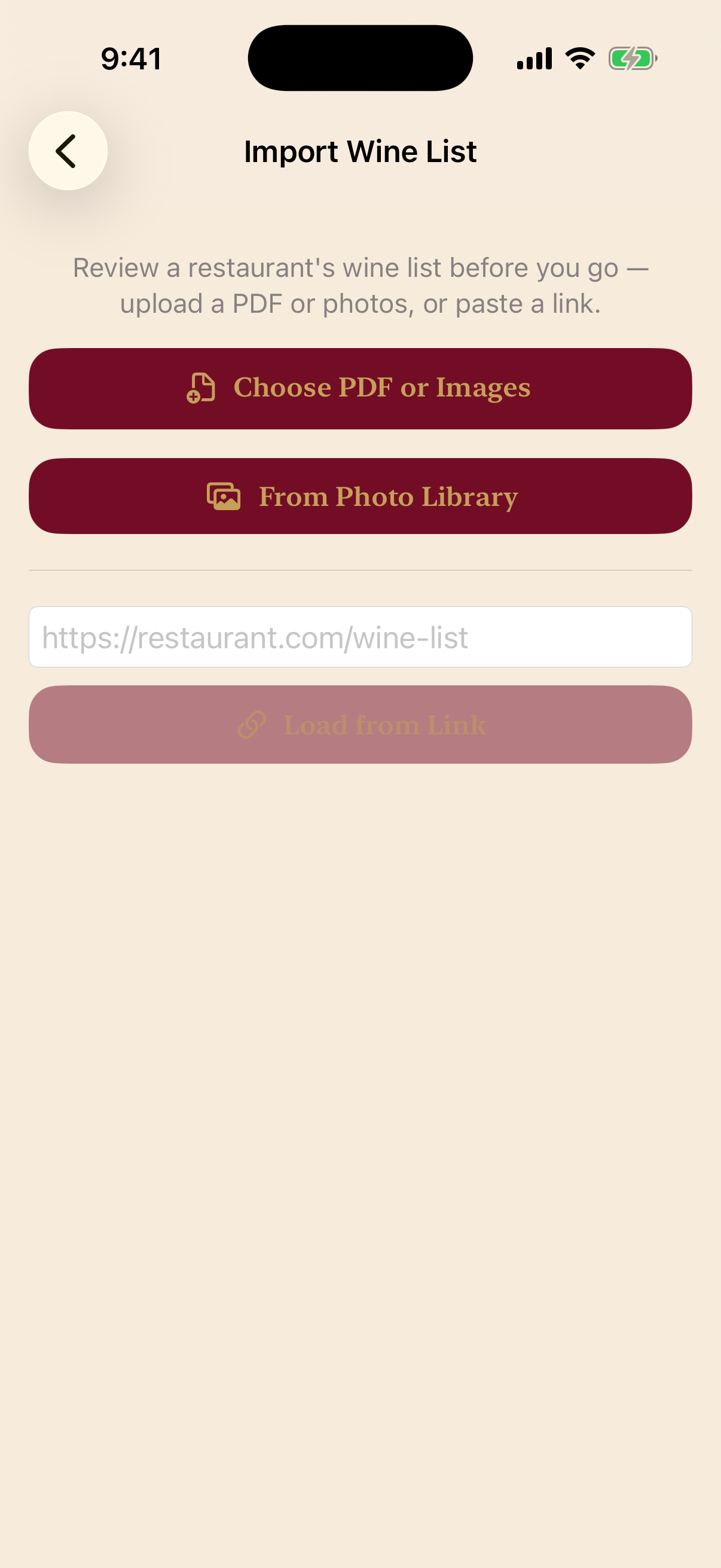
Point your camera at a wine list, a bottle label, or a restaurant menu.

2

PocSomm reads it

AI instantly identifies every wine and adds retail prices, value scores, critic ratings, and tasting notes.

3

Order with confidence

Spot the best value, find the perfect pairing, and read sommelier notes — right at the table.

What you can do

Everything a sommelier does, in your pocket

Four ways to make sense of any wine, anywhere.

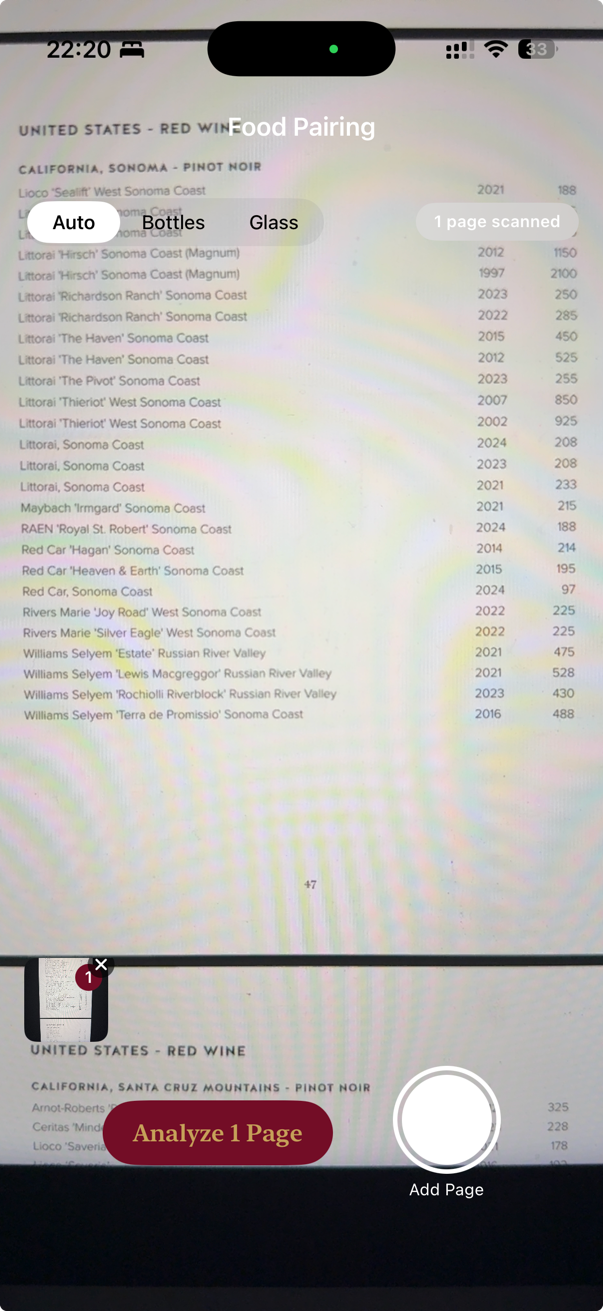
Scan a wine list

See the smart picks before you order

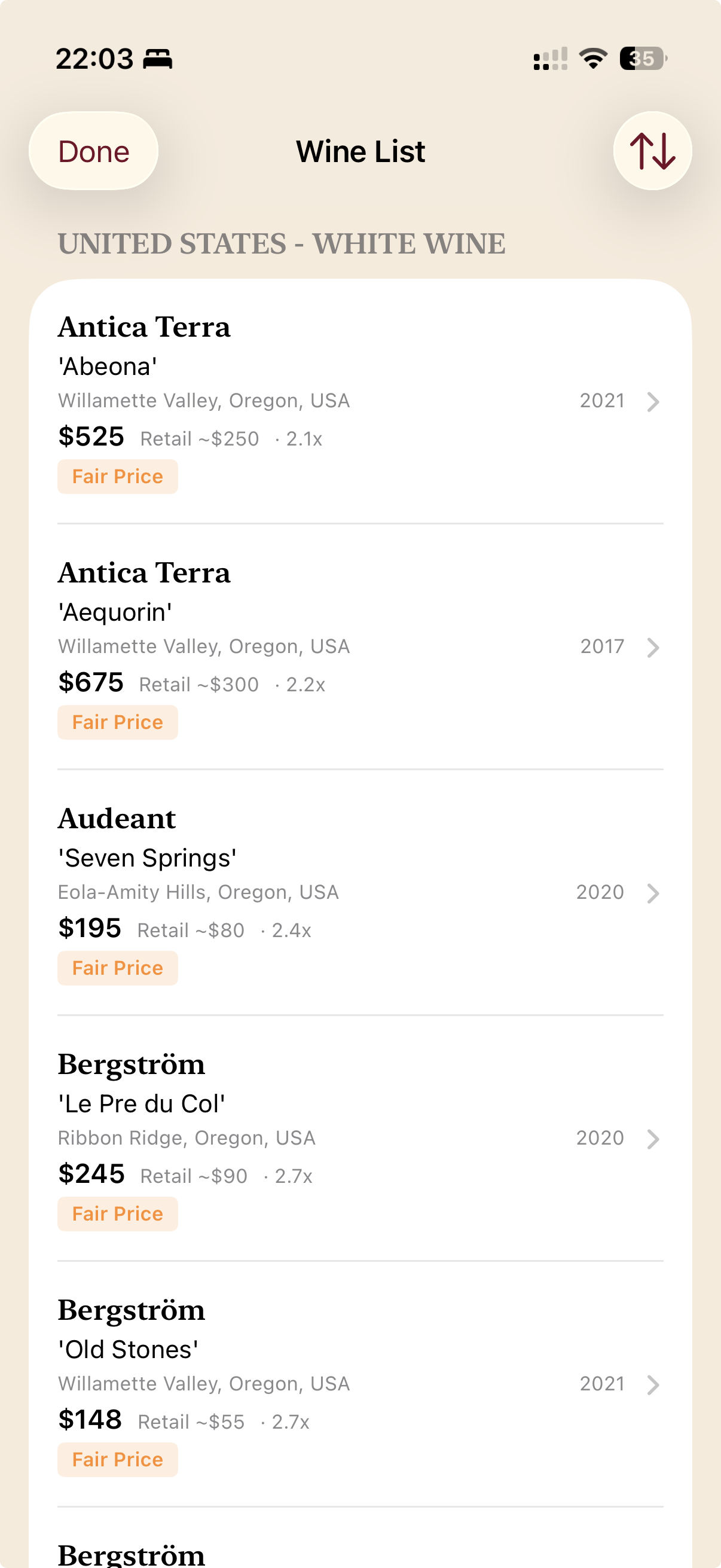
Snap any restaurant wine list and PocSomm prices every bottle for you.

  • Estimated retail price for each wine
  • Value labels: Great value, Fair price, or High markup
  • Critic ratings when available
  • Knows the difference between by-the-glass and by-the-bottle
PocSomm wine list scan results with prices and value labels

Scan a bottle

Know any bottle at a glance

Point your camera at a label for an instant, plain-language profile of how the wine tastes and what to eat with it.

  • Quick tasting snapshot — flavor, body, and feel
  • Tap for full sommelier notes: nose, palate, finish
  • Serving temperature, decanting, and cellaring tips
PocSomm bottle detail with tasting notes

Food pairing

Match the wine to your meal

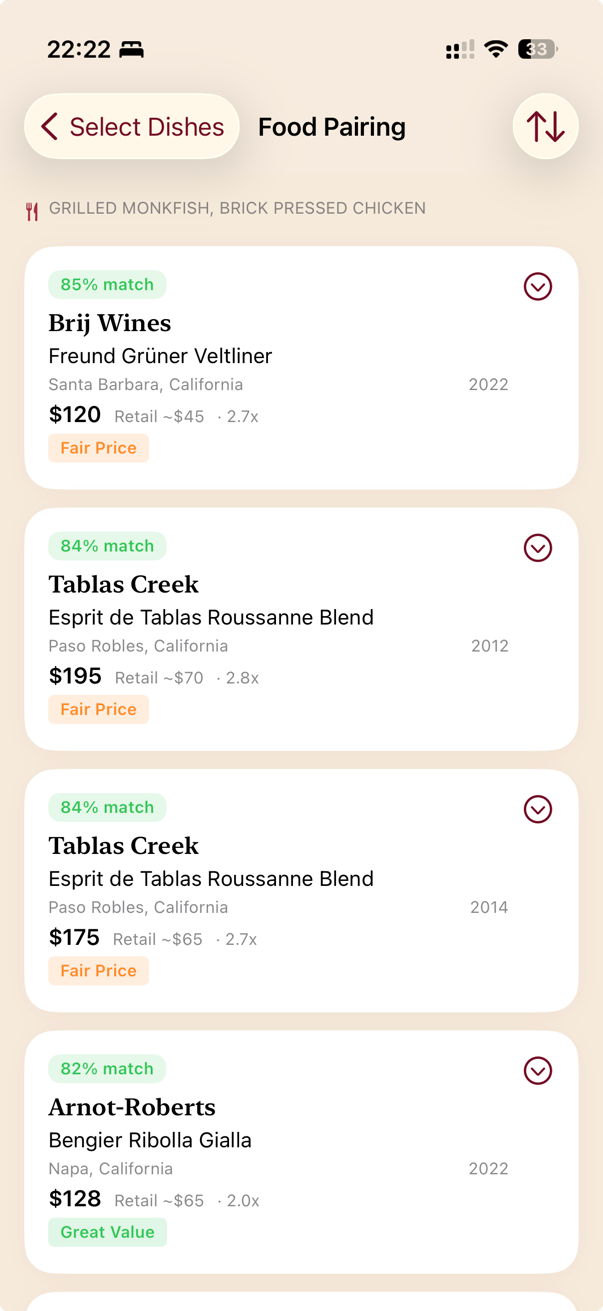
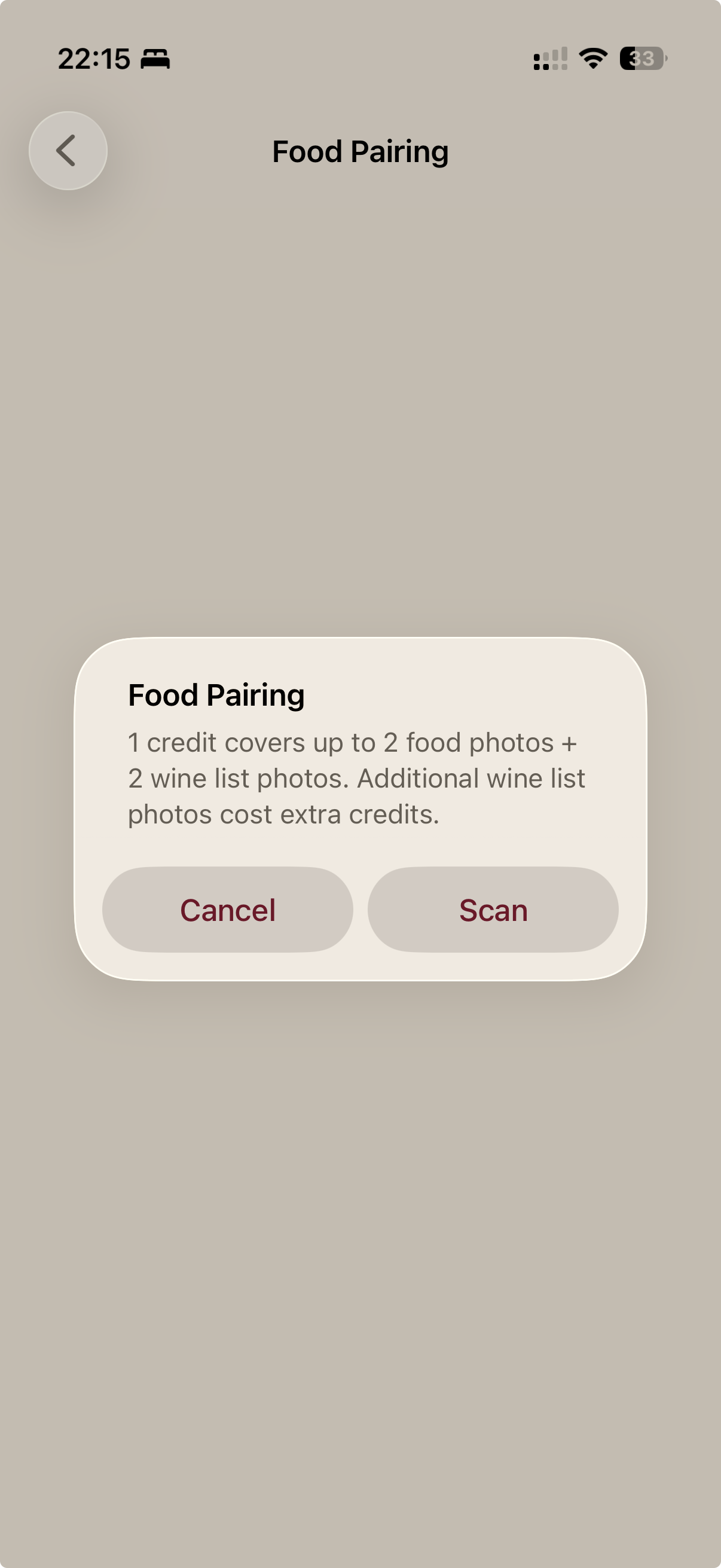
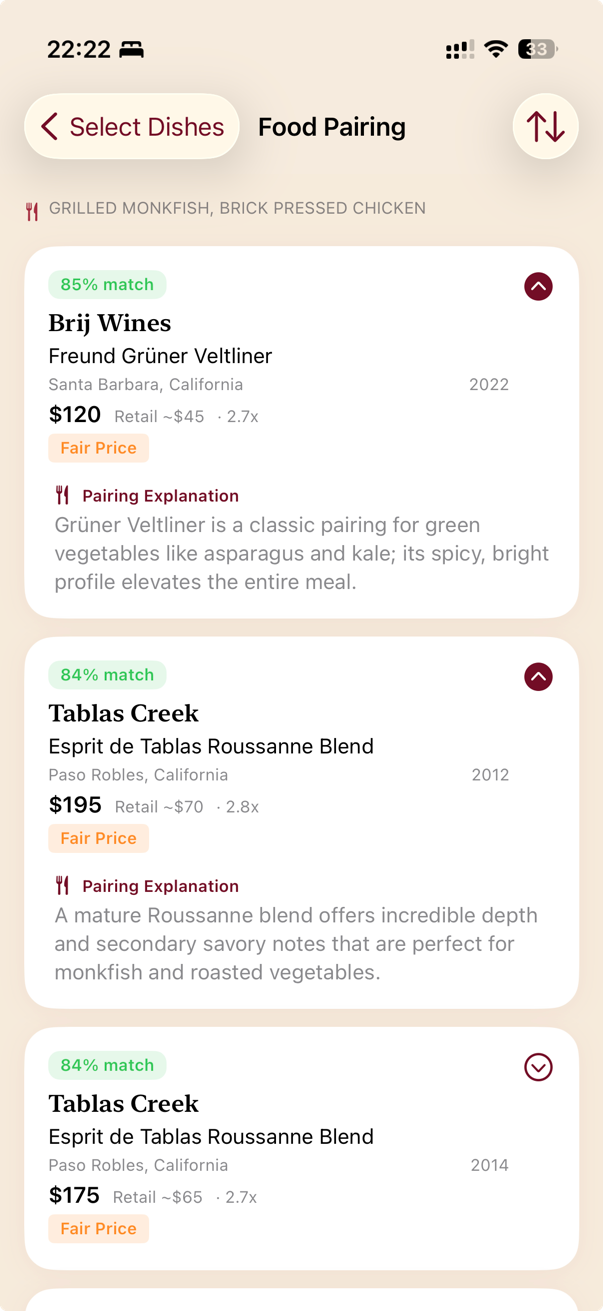
Photograph the menu, choose your dishes, then scan the wine list. PocSomm ranks every wine by how well it pairs with what you're eating.

  • A clear match percentage for each wine
  • The reasoning behind every pairing
  • Works across the whole table's order
PocSomm food pairing results with match percentages

Ask PocSomm

A sommelier on call

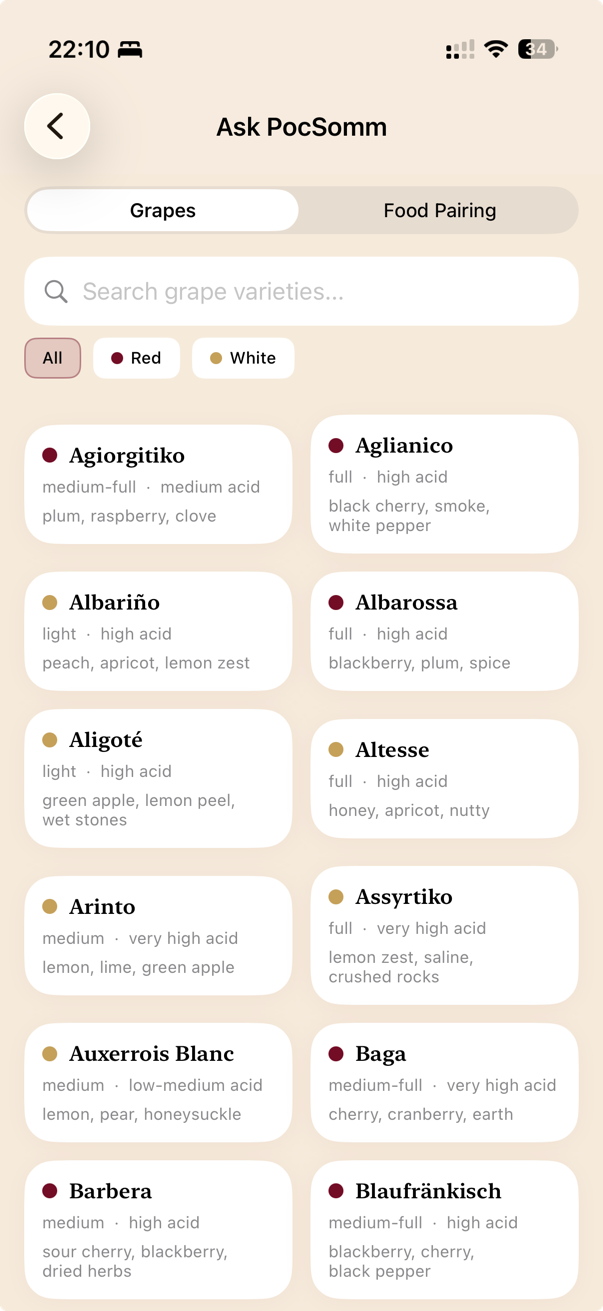
Tell PocSomm what you’re eating and get wine suggestions, or dive into the built-in grape encyclopedia.

  • Pairing by dish — “We’re having rib-eye tonight, what should we pour?”
  • Popular picks plus a few adventurous, off-the-beaten-path ideas
  • Grape profiles: flavors, key regions, and classic pairings
PocSomm Ask PocSomm sommelier answer

Made for you

Tuned to where you’re drinking

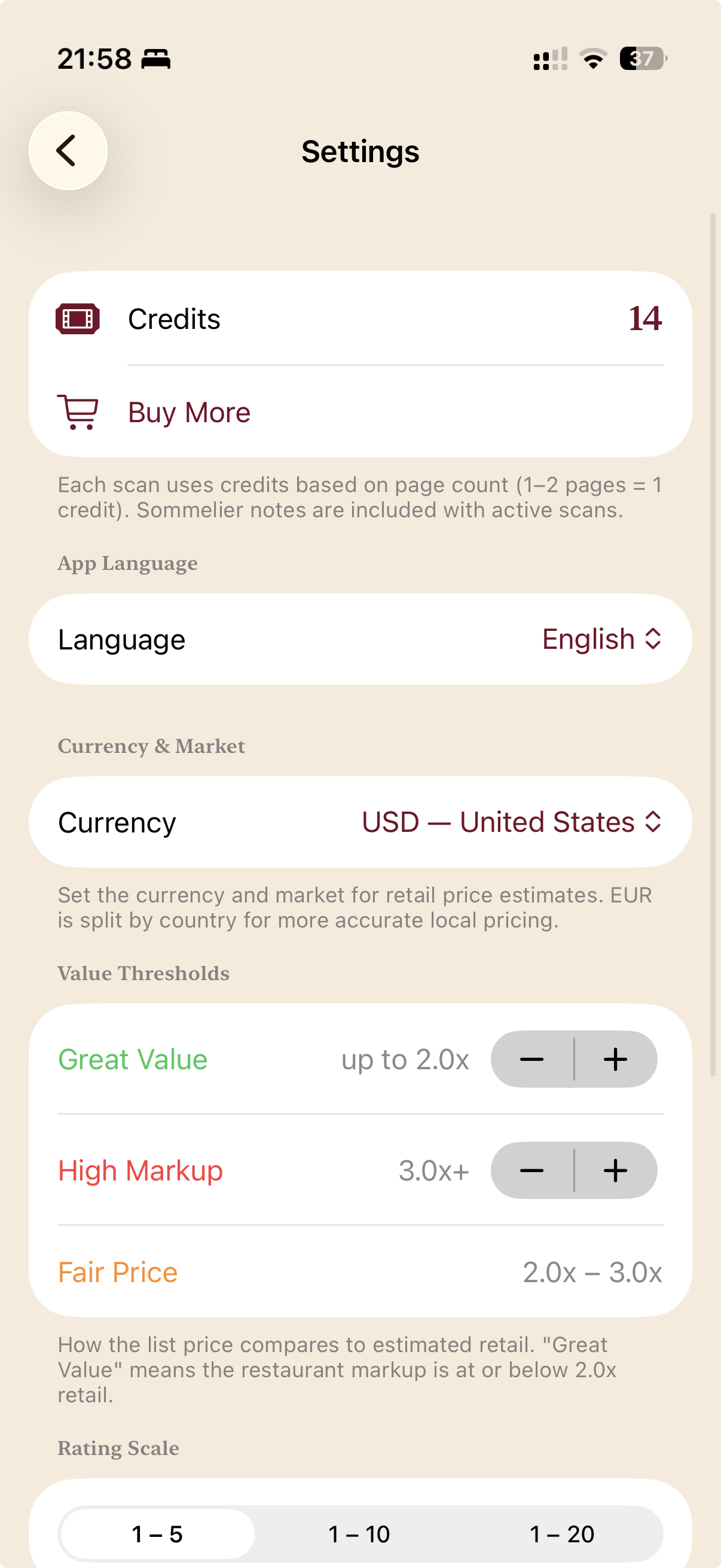
Set your language and your local currency & market so every price estimate makes sense in your world — “350” means something very different in USD than in SEK.

  • 11 languages, switchable any time
  • Currency & market for accurate local retail prices
  • Dial in your own value thresholds — what counts as a great deal vs. a steep markup
  • Pick a 1–5, 1–10, or 1–20 rating scale
PocSomm settings: language, currency and market, value thresholds

See it in action

Watch PocSomm work

The flows you’ll use most, from start to finish.

Scanning a wine list

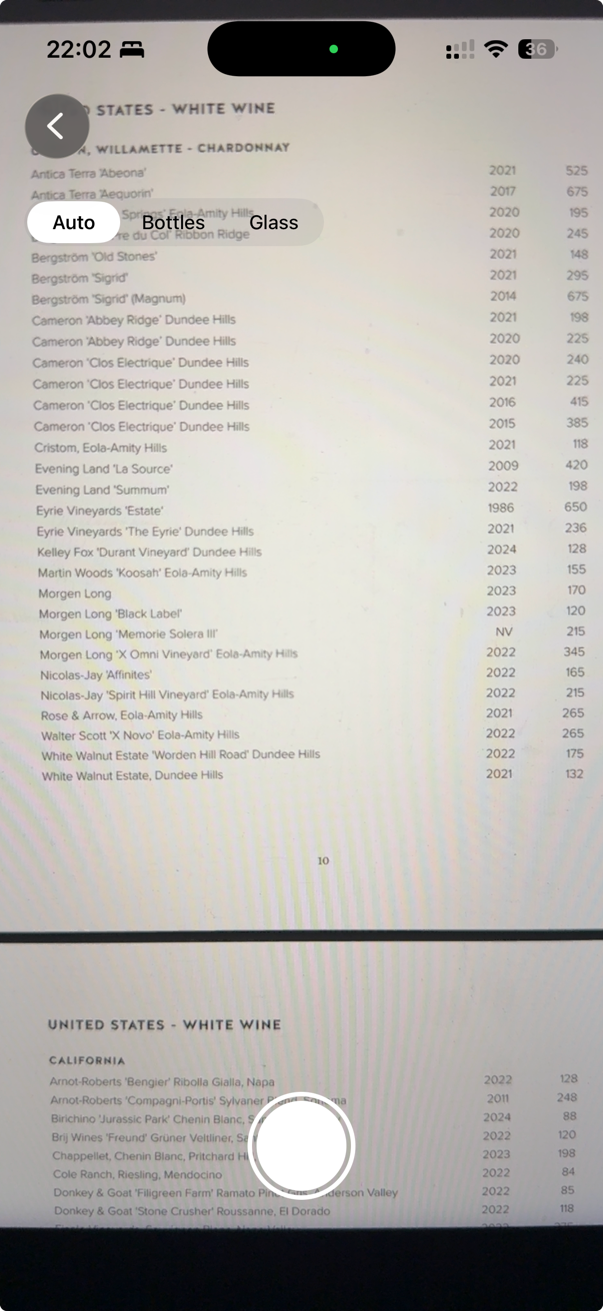
Photographing a restaurant wine list
1 Snap the wine list
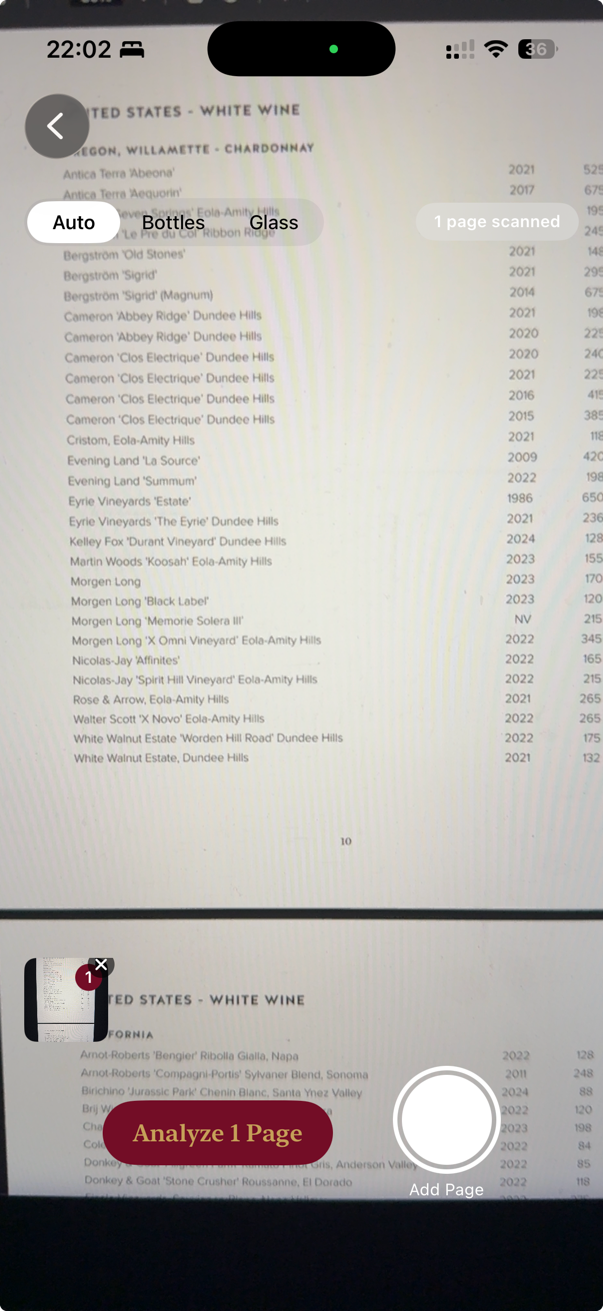
Add pages, then analyze
2 Add pages, then analyze
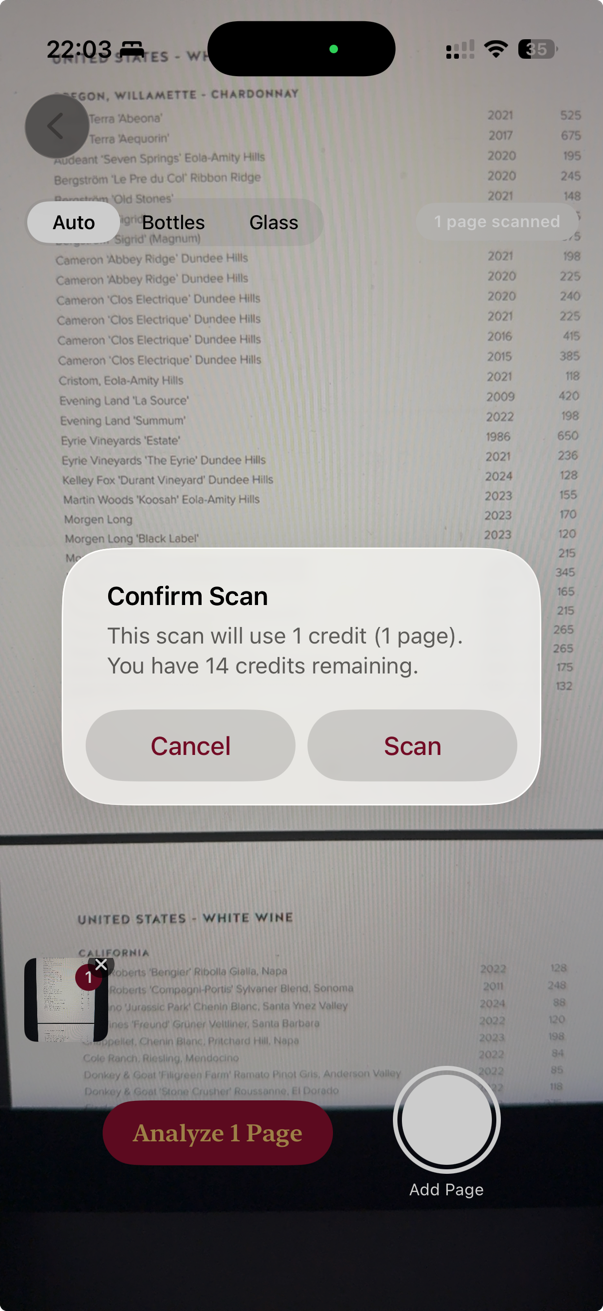
Confirm scan and credit cost
3 Confirm — see the cost
Wine list results with prices and value labels
4 Every wine, instantly priced
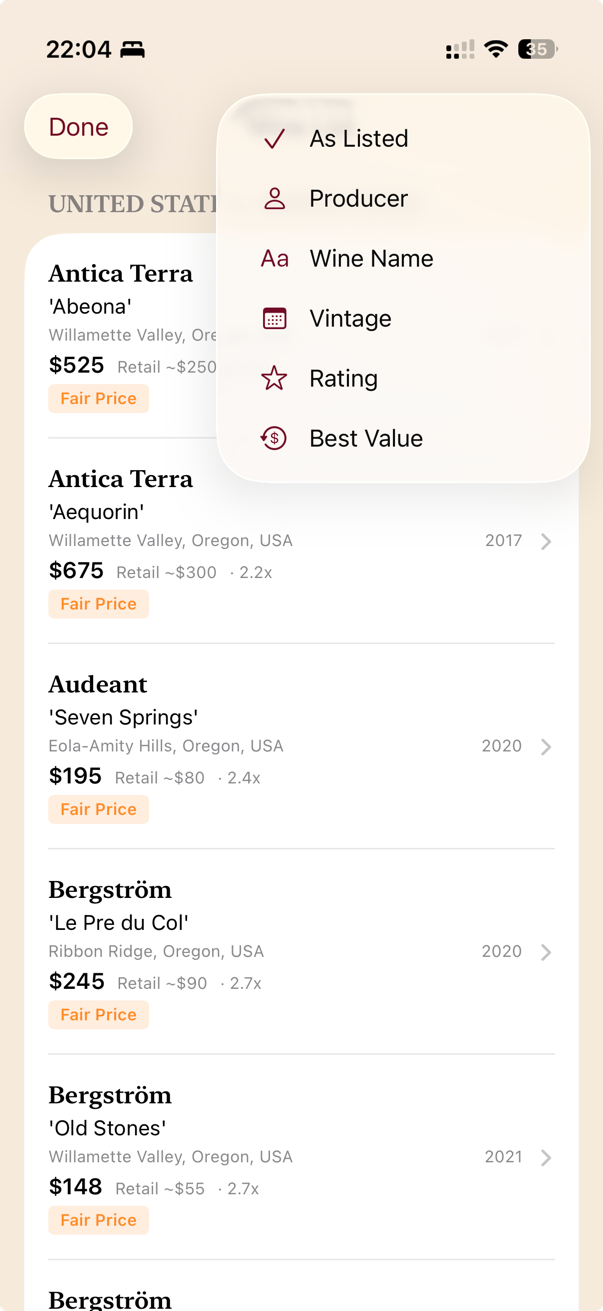
Sort by value, producer, and more
5 Sort by value, producer & more
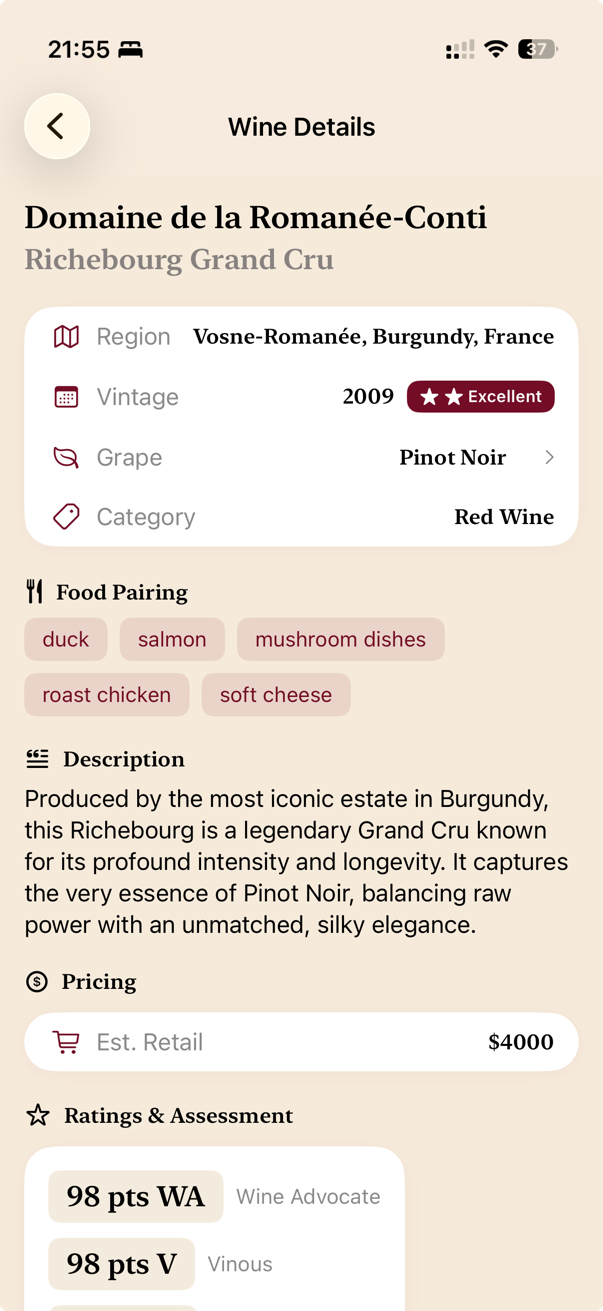
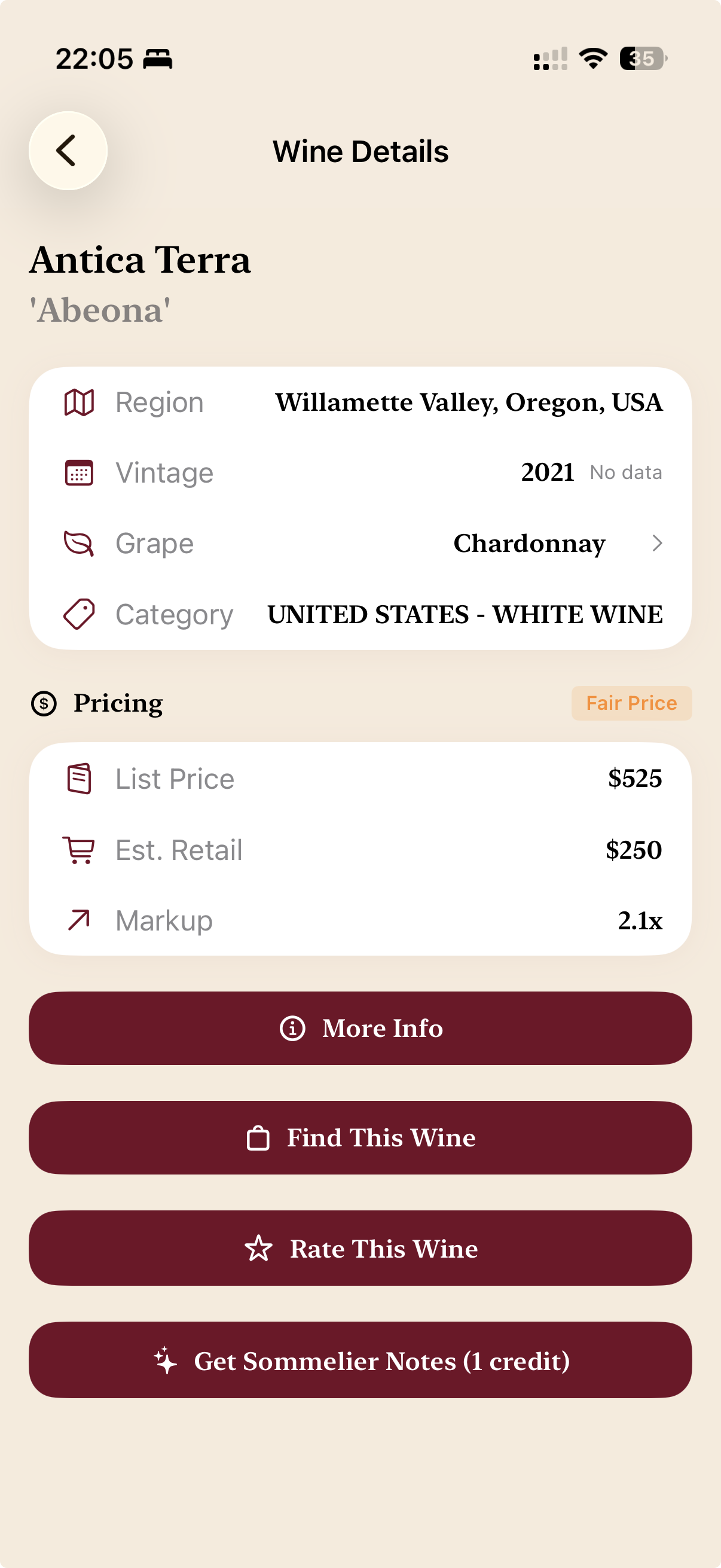
Full wine details with pricing and sommelier notes
6 Tap any wine for details

Scanning a bottle

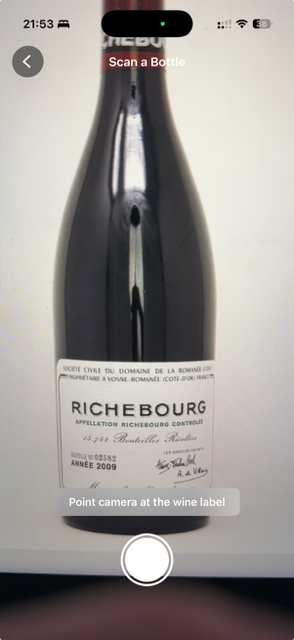
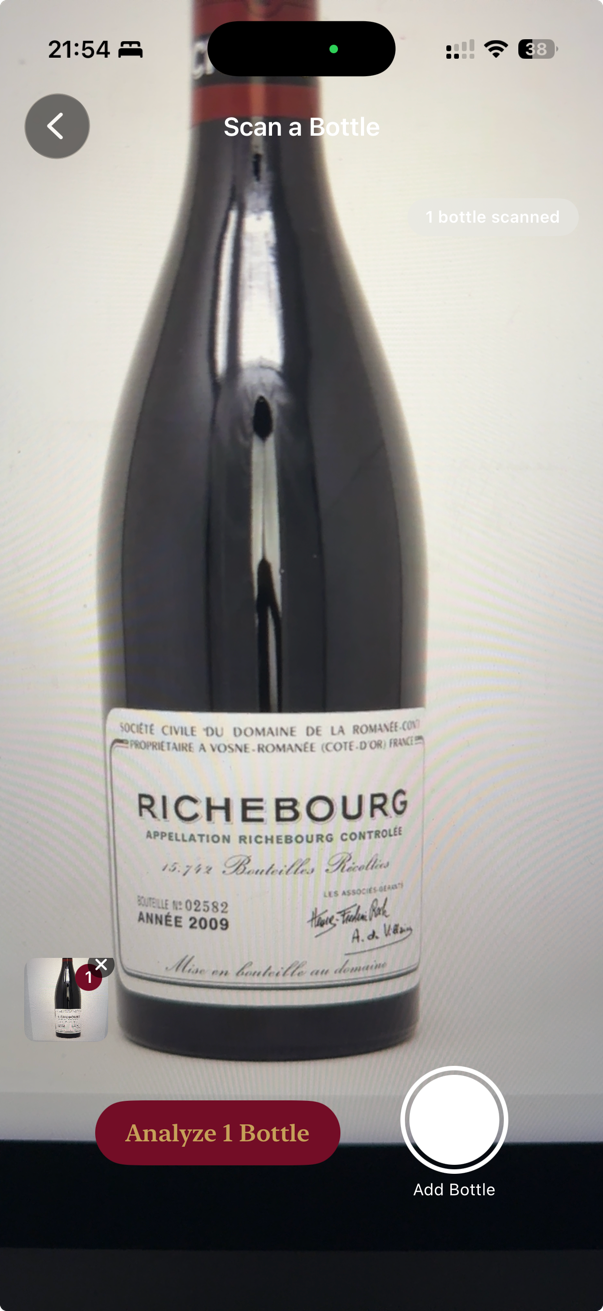
Pointing the camera at a wine bottle label
1 Point at the label
Add bottles, then analyze
2 Add bottles, then analyze
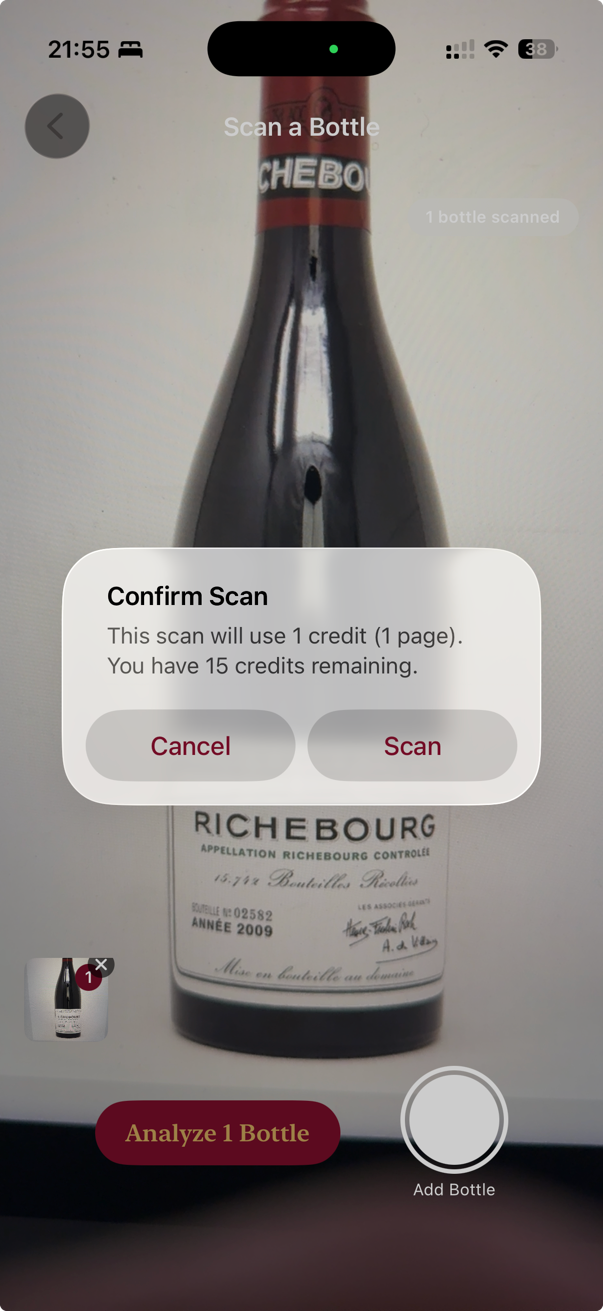
Confirm scan and credit cost
3 Confirm — see the cost
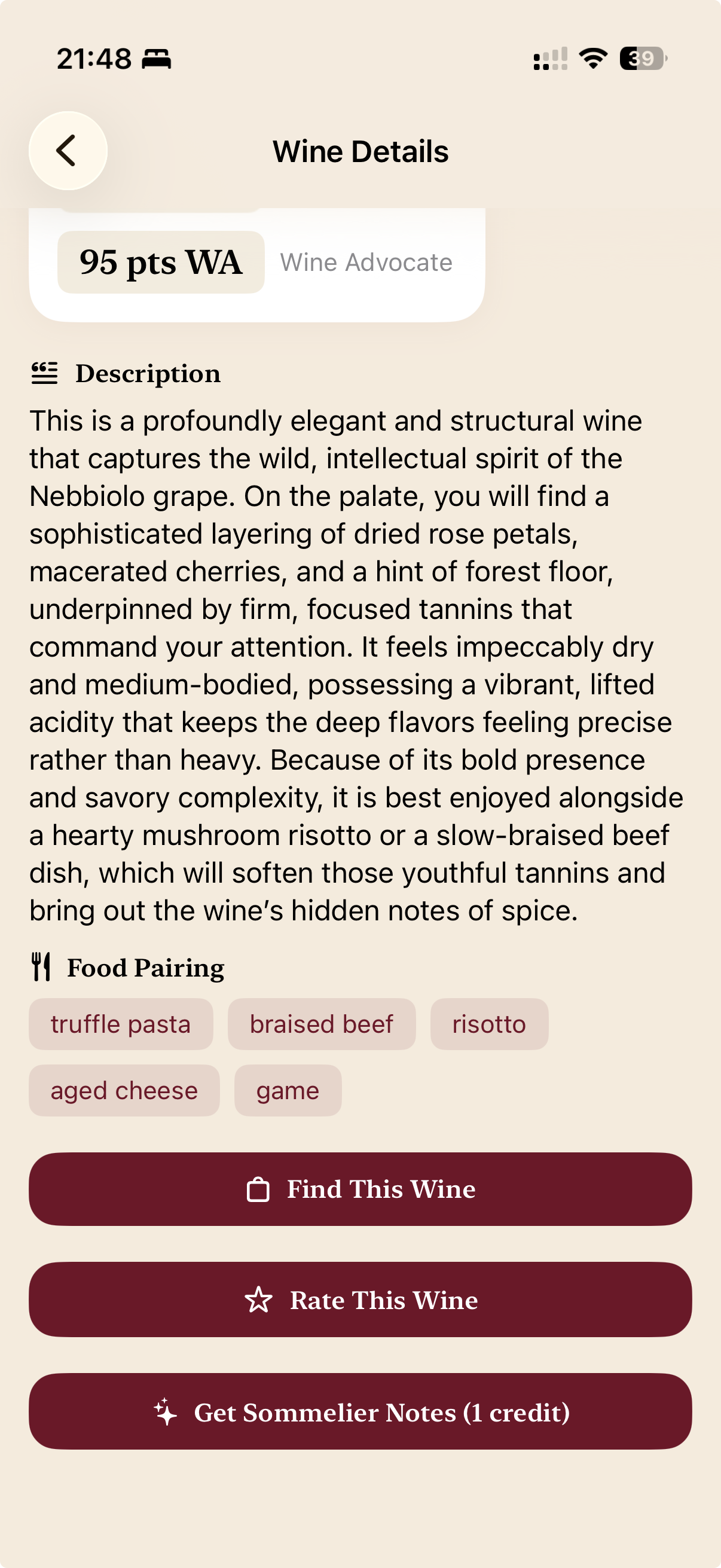
Instant wine profile with ratings and food pairings
4 Get an instant profile
More Info quick tasting take
5 “More Info” for a quick take
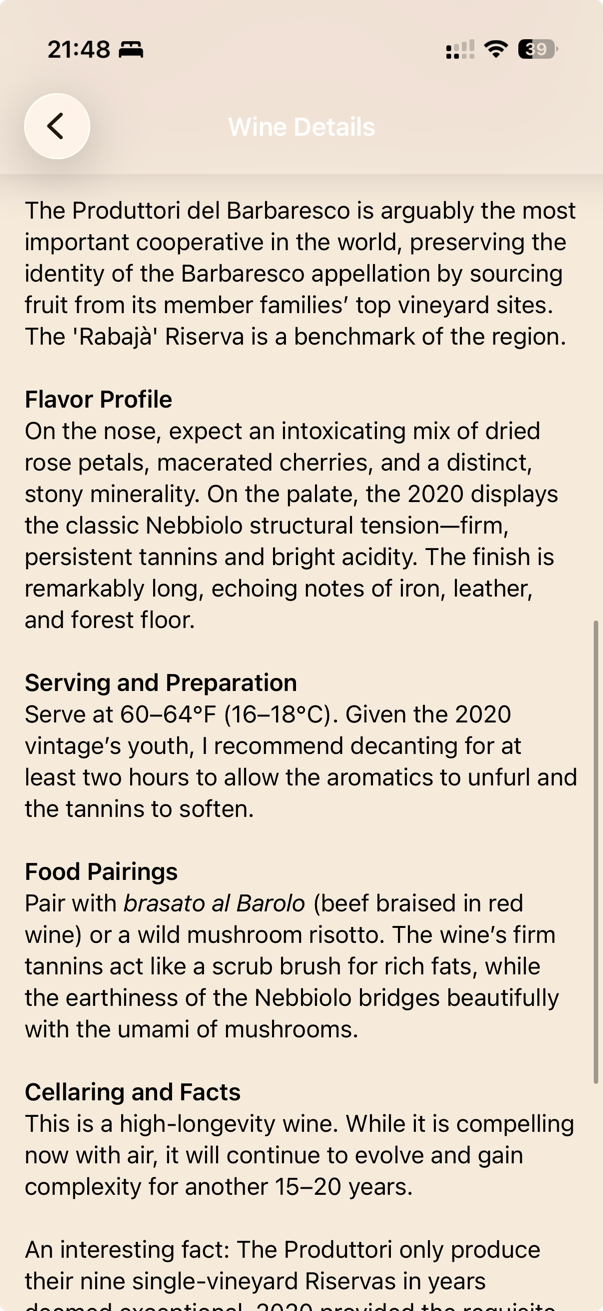
Full sommelier notes on demand
6 Full sommelier notes on demand

Matching food to a wine list

What a food pairing covers
1 See what's covered
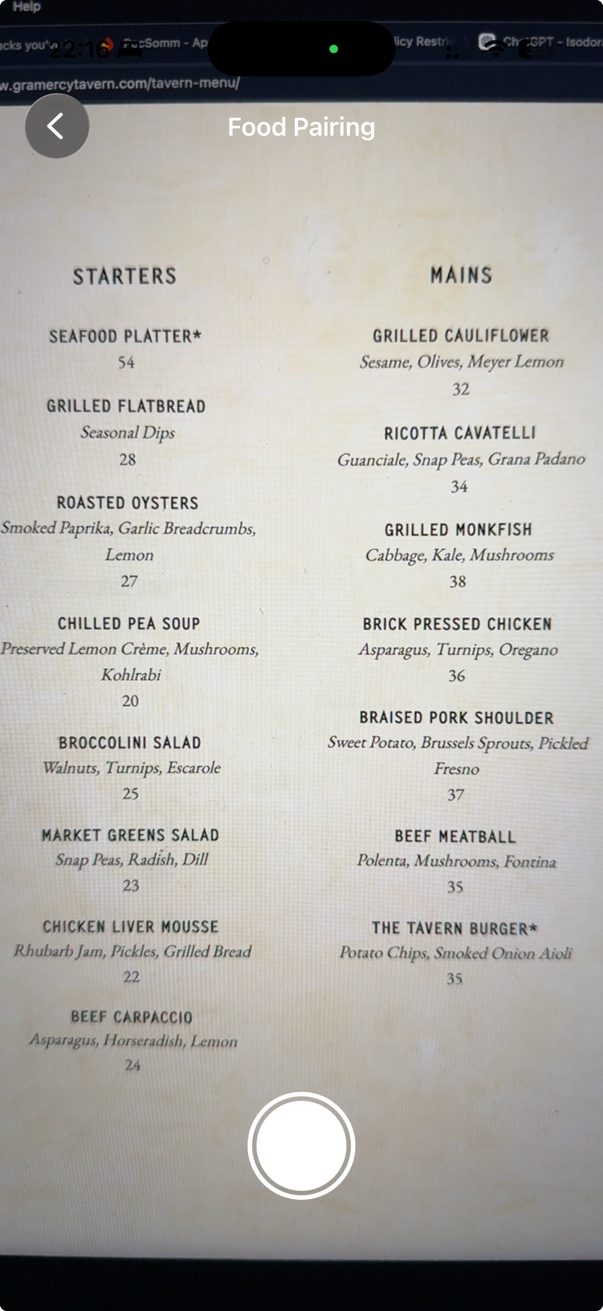
Photographing the food menu
2 Snap the food menu
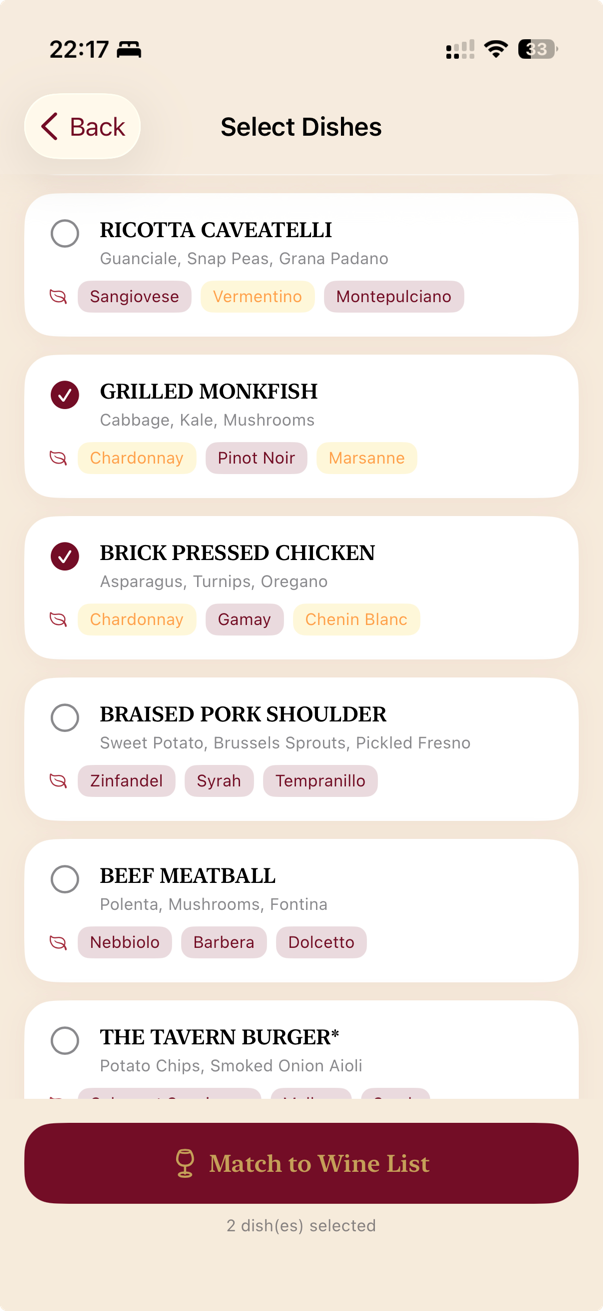
Selecting the dishes the table wants
3 Pick your dishes
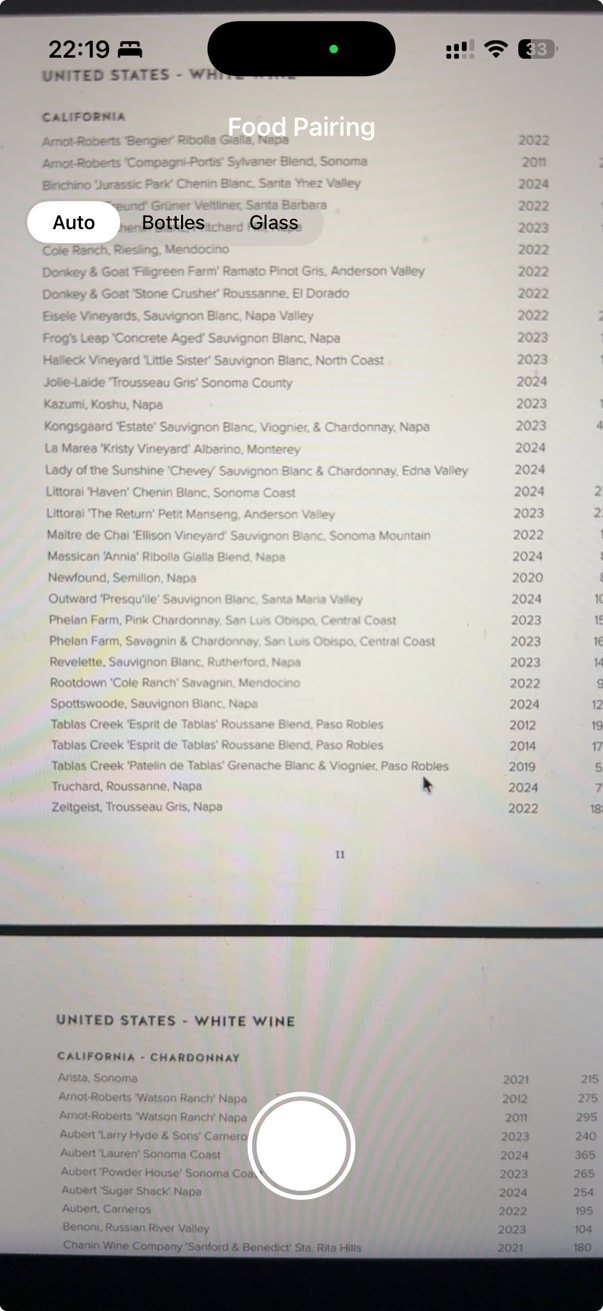
Photographing the wine list
4 Snap the wine list
Adding more wine list pages
5 Add more pages if needed
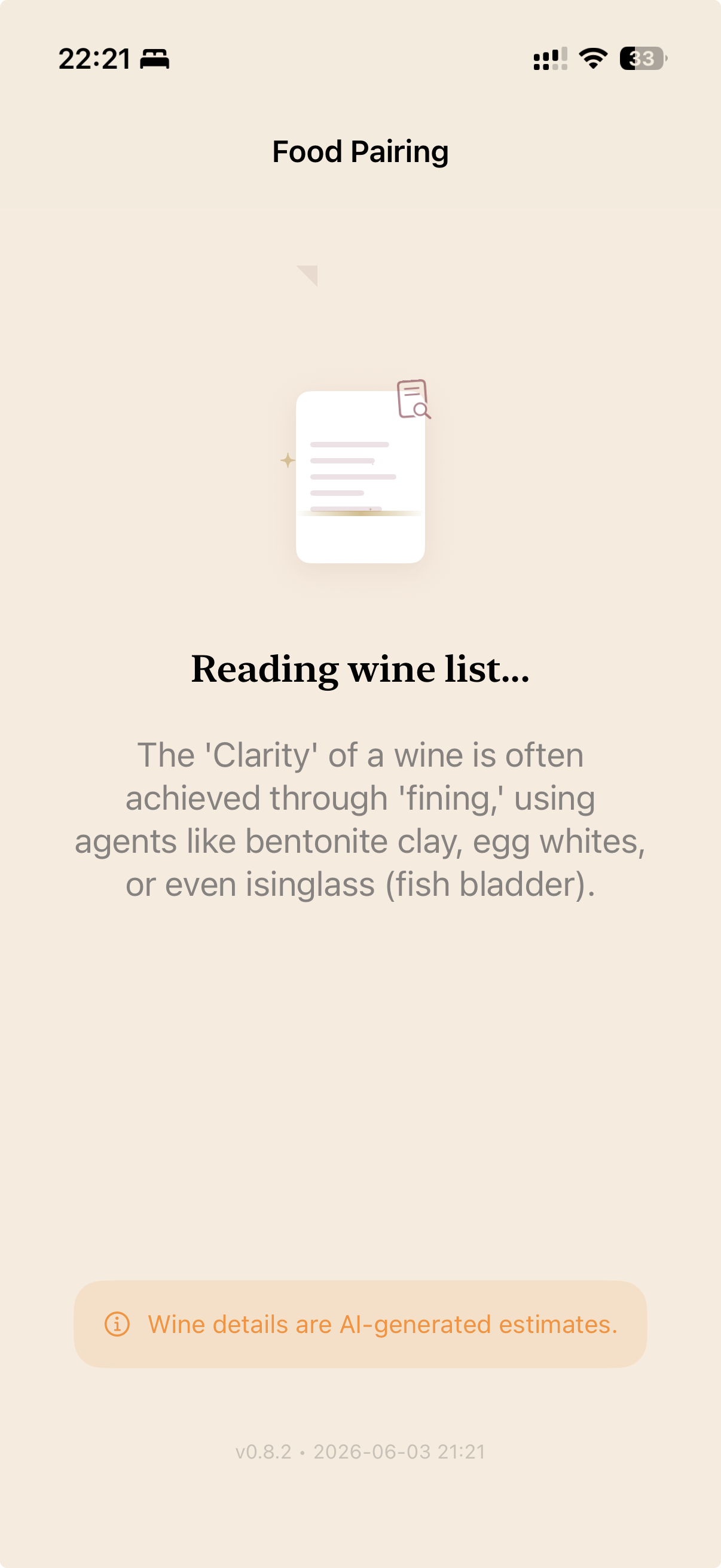
Matching in progress, with a wine fact
6 We match them (~20s)
Ranked wine matches with percentages
7 Ranked matches, with a %
The reasoning behind each pairing
8 Tap a card for the “why”

← swipe each row to see the full flow →

And more

Built for real wine moments

📷

Save & rate

Every scan is saved to your history. Rate the wines you try and build your own cellar of memories.

💰

Value finder

Instantly see which wines on a list are fairly priced — and which carry a steep restaurant markup.

🌎

11 languages

PocSomm speaks your language, with wine terms kept in their original form.

Worldwide

Available in 11 languages

Wherever you travel, PocSomm travels with you.

🇬🇧English 🇫🇷Français 🇮🇹Italiano 🇪🇸Español 🇩🇪Deutsch 🇵🇹Português 🇯🇵日本語 🇨🇳中文 🇸🇪Svenska 🇳🇱Nederlands 🇰🇷한국어

Keep the app in your own language, then switch the currency & market to match whatever country you’re in — so every price estimate shows up in the local money you’re actually paying.

Simple & fair

How pricing works

PocSomm is free to download and comes with credits to get you started. Each scan uses a credit or two depending on its size.

Need more? Top up anytime with one-time credit packs. No subscription, no account, no surprises — and your remaining credits never expire.

Your data, your business

Private by design

No account. No sign-up. Your scans, ratings, and history live only on your device.

When AI reads a photo, only the image is sent to Google's Gemini service to extract the wine details — it is never stored on our servers (we don't run any) and never sold. No ads, no cross-app tracking.

Read the full Privacy Policy →

Good to know

Frequently asked questions

How accurate is PocSomm?

PocSomm uses advanced AI to read labels and lists and to estimate prices, ratings, and pairings. It's remarkably good — but AI can make mistakes, so always verify prices and details before buying.

Do I need an internet connection?

Yes. PocSomm analyzes your photos in the cloud, so you'll need a connection to scan and to ask the sommelier.

Is my data private?

Yes. There's no account, and your scans, ratings, and history stay on your device. Photos are sent only to the AI to read them — never stored on our servers, never sold, with no ads or tracking.

What does it cost?

PocSomm is free to download with credits to get you started. When you need more, you can buy one-time credit packs — there's no subscription.

Which currencies and regions does it work with?

PocSomm estimates prices in the market you choose and works with wine lists and bottles from all over the world.

How old do I need to be?

PocSomm contains information about alcoholic beverages and is intended for adults of legal drinking age (18+).


Who we are

A husband-and-wife labor of love

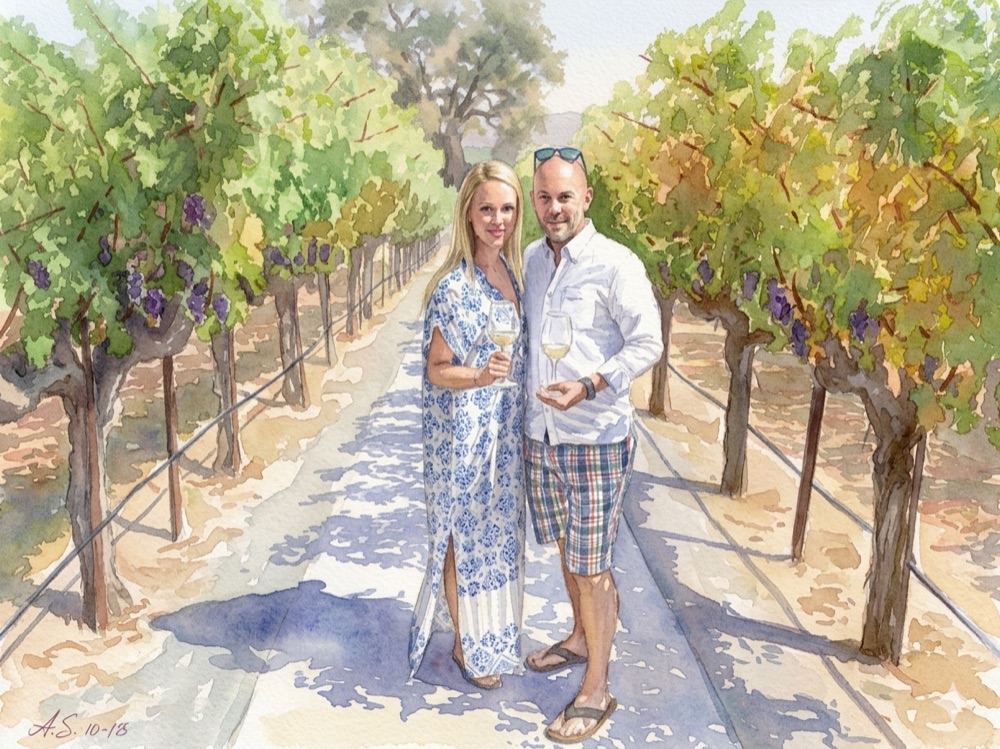
Watercolor of the husband-and-wife team behind PocSomm, in a vineyard with glasses of white wine

PocSomm was born from over 30 years of shared passion for wine. Along the way we’ve had the pleasure of learning from truly exceptional sommeliers — some of whom have become dear friends. But we’ve also sat at tables where the wine guidance fell short.

PocSomm is our way to bridge that gap: not to replace a great sommelier, but to put a knowledgeable partner in your pocket for the moments when there isn’t one around.

Made with care by Melkar, LLC — just the two of us.

Questions or feedback?

We'd love to hear from you. Reach the team anytime at support@pocsomm.com.

Please enjoy wine responsibly. Excessive alcohol consumption is harmful to your health. PocSomm is intended for adults of legal drinking age.